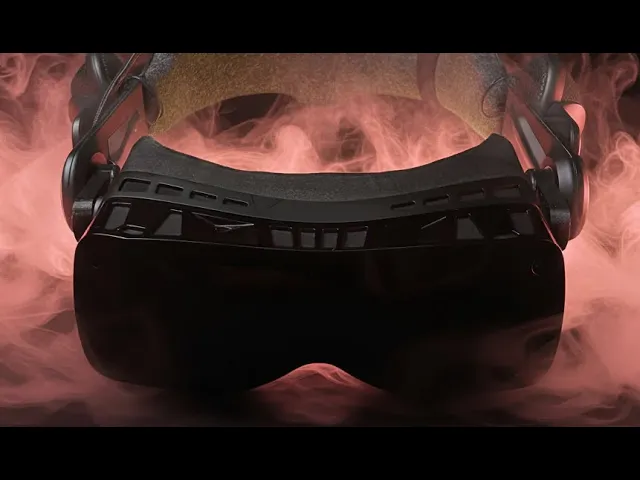
Note: After building your kit, please update your firmware at https://updatebeyondex.fluid.so. If your left/right audio is swapped after the update, use the web update tool's "Swap left / right audio channels" toggle under device settings.
If you bought a "Print Your Own" Kit:
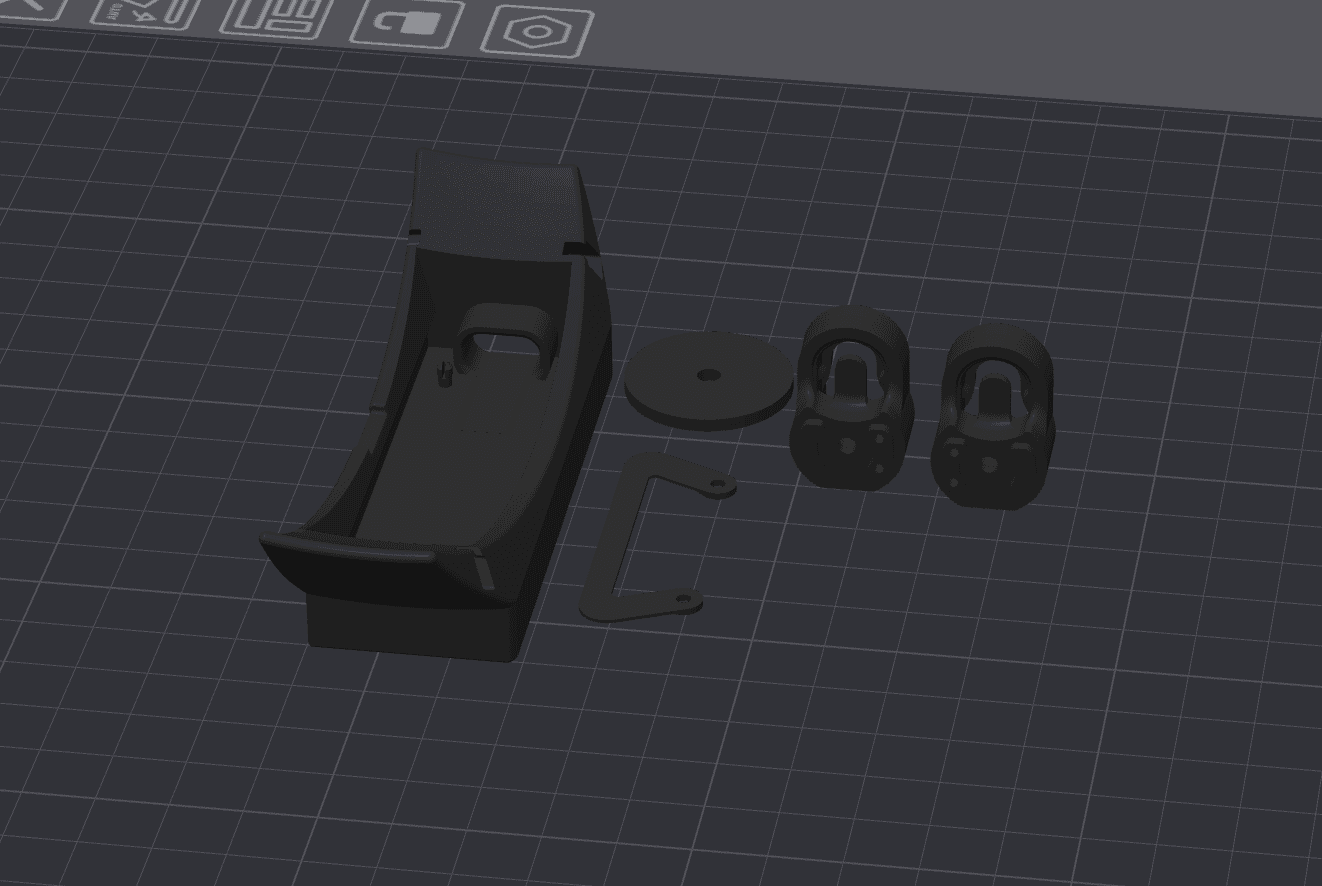
Print your parts in this orientation without supports.
We print with standard Bambu Studio settings on a Bambu X1 Carbon
Github Repo with 3D Models: https://github.com/FluidXR/project-beyondex
Print the Enclosure, Right Connector, Left Connector (flip the model for right connector along Y axis), Washer, and D-ring (optional. there is one also included in your kit). We recommend using regular PLA. Other materials such as matte PLA can be too brittle for the parts to work properly.
Connect the battery to the PCB.
Connect the wiring harness to the PCB, being careful not do damage it. Make note of the R+/R- and L+/L- labels on the PCB to find each lead.
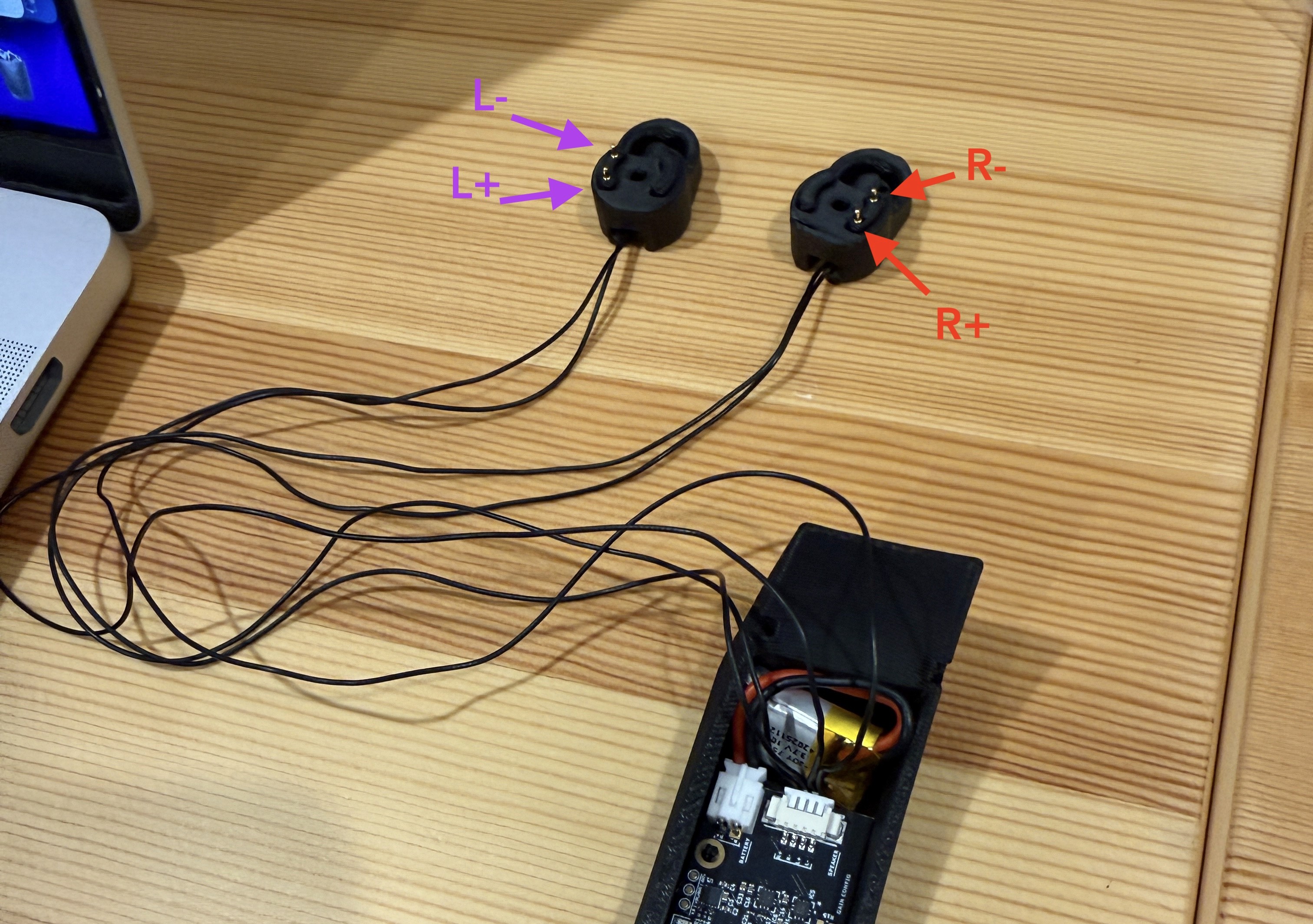
Push the pogo pins from the wiring harness into the right and left connectors. It helps to use a soldering iron set to a low temperature (100°C works well) to push the pin into place. You want just the tip of the pogo pin to stick out of the other side. See diagram above for hole labels and example of proper pin placement. The labels for each of the wires are printed on the PCB.
Snap the PCB onto the pegs inside of the enclosure. The USB-C port should be lined up with the hole in the side of the enclosure. Before snapping it in, ensure sure the gap in the peg is clear of any material so it cal flex properly.
Put the battery into the enclosure like pictured.
Use your soldering iron at ~200°C to push the brass threaded insert into the washer.
You're now ready to follow the video guide for the Mod Kit (above).
If you have any trouble, feel free to email me at the email printed on your packing checklist.
- John from Fluid
Pre-Order a Mod Kit